Homepage
To access PanelPal go to http://panelpal.sch.nhs.uk/ on your browser.
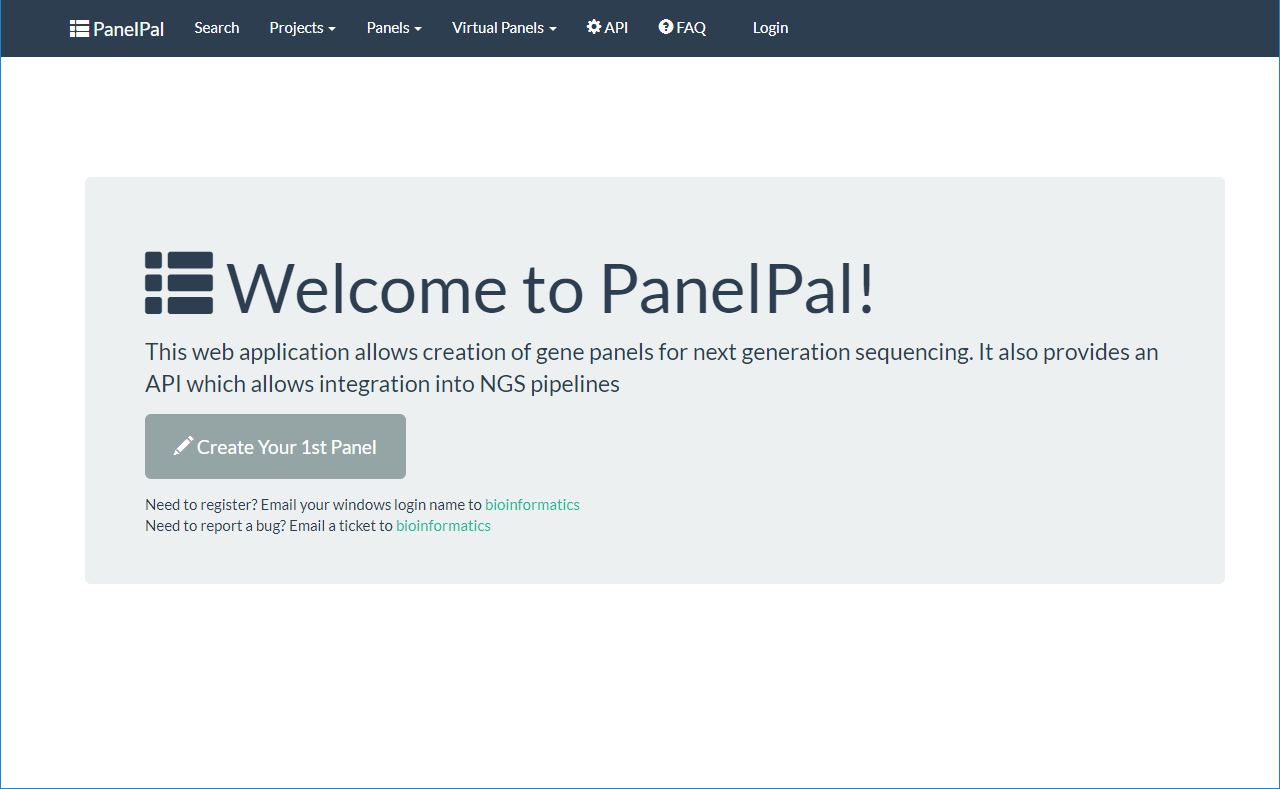
The page you will see when you first navigate to PanelPal is shown below. From here you can do a number of things:
- Login
- Search PanelPal
- View or create projects, panels or virtual panels
- View and test the API
- Visit the FAQ page
If you have admin privileges you will also be able to see this option in the navigation bar.
Login
In order to access the information held within PanelPal, you need to be registered as a user. If you have not used PanelPal before or are unable to login, please email with your windows username.
To login to PanelPal, click the login button in the navigation bar.

Use your windows username and password to access the system.
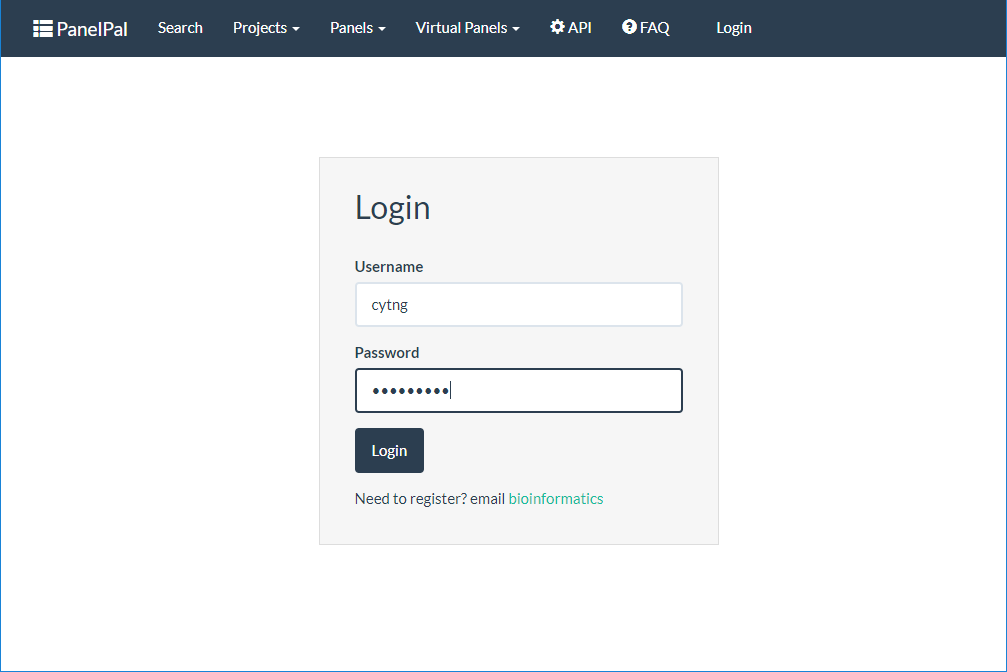
You will then be redirected to the homepage and see a green button in the navbar. This button can be used to logout of PanelPal.
